
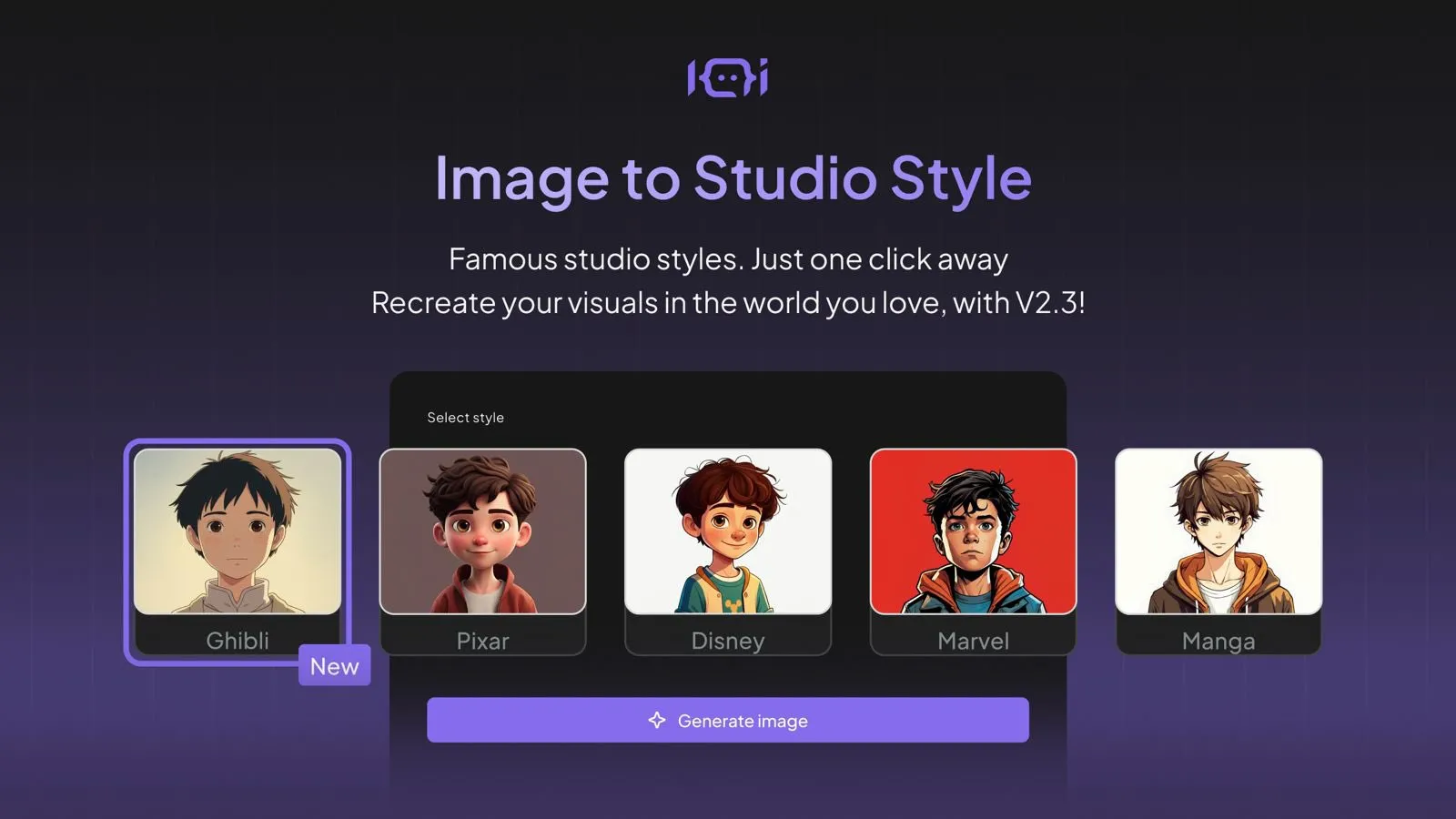
Did you know you can turn any photo into a stunning cartoon or 3D character using ChatGPT and Sora? And that’s just the beginning — we’ll also show you how to animate them, make them talk, and even star in full animated videos. Let’s dive in! 🚀
🖼️ Step 1: Turn Your Photo into a Cartoon with ChatGPT & Sora
👉 Head over to ChatGPT.com. Whether you’re on the free or paid plan, you can upload your image into the chat box.
📸 Example: Upload a photo of yourself, and just type something like:
“Create this image as a cartoon.”
✨ If you're a ChatGPT Plus user, also check out Sora.com. There, you can:
- Upload an image
- Type prompts like: “Create this image as a 3D cartoon”
- Choose your aspect ratio
- Generate beautiful variations
But note: while Sora is awesome for still images, it struggles with cartoon-style animations when turning images into videos — often reverting to realistic or 2D styles.
🕺 Step 2: Animate Your Avatar with Meme-Style Motion Using Viggle
Want your cartoon self to dance, strike poses, or act silly? Use Viggle
- Upload your AI-generated image
- Upload a video reference (or choose from trending templates)
- Viggle transfers the video motion to your image
🔥 Great for TikToks, memes, and Instagram Reels!
Example: I created a Studio Ghibli-style cartoon and synced it with a funny "morning routine" video — looked hilarious!
🗣️ Step 3: Make Your AI Character Talk – Best Tools for Lip Sync
Now let’s bring your avatar to life with lip-syncing and voice!
🏆 Best Voice Generator: ElevenLabs.io
Still unmatched in realism and tone. You get:
- Natural-sounding voices
- Free credits every month
- Great for podcast-style clips
🎙️ Example voice:
"Hey hey, welcome to Frames & Flickers, the podcast where pixels come to life!"
🔥 Top 3 Tools for Talking Head Animation
1️⃣ Hedra.com
- Upload image & audio
- Add gesture descriptions
- Choose character models
- Output: Realistic lip-sync with natural gestures
🧠 Pro Tip: Use Hedra Character 3 for the most accurate mouth movement.
2️⃣ Dreamina.CapCut.com
- Simple UI, fast rendering
- Upload image & audio
- Let the AI auto-generate gestures
- Super smooth lip-sync, best I've tested!
🎯 Great for quick content creation when you don’t want to write gestures manually.
3️⃣ Kling AI — My Favorite Overall
- Supports both lip sync AND general animation
- Prompt gestures, expressions, and full character scenes
- Pair with ElevenLabs audio for top-tier results
🌟 Example prompt:
"A lively 3D character speaks energetically in a modern studio, smiling brightly with expressive hand gestures."
🔁 You can even reuse the same character to animate different scenes or reactions!
🎥 Bonus: Full Animated Storytelling With ChatGPT + Kling AI
Want to tell full stories with consistent characters, backgrounds, and voices? You can now do that with:
✅ ChatGPT (to generate scenes + images)
✅ ElevenLabs (for top-tier voiceovers)
✅ Clean AI or Hedra (to animate scene-by-scene)
Stay tuned for my next tutorial, where I’ll show you how to build entire video episodes this way — from scratch! 💡
💬 Final Thoughts
These tools are making it insanely easy for creators, marketers, educators, and storytellers to bring ideas to life with AI. Whether you’re aiming for a meme, a branded character, or a full-on animated series — you now have the tools to do it yourself.
Sign in to join the conversation.
Sign in with Google