
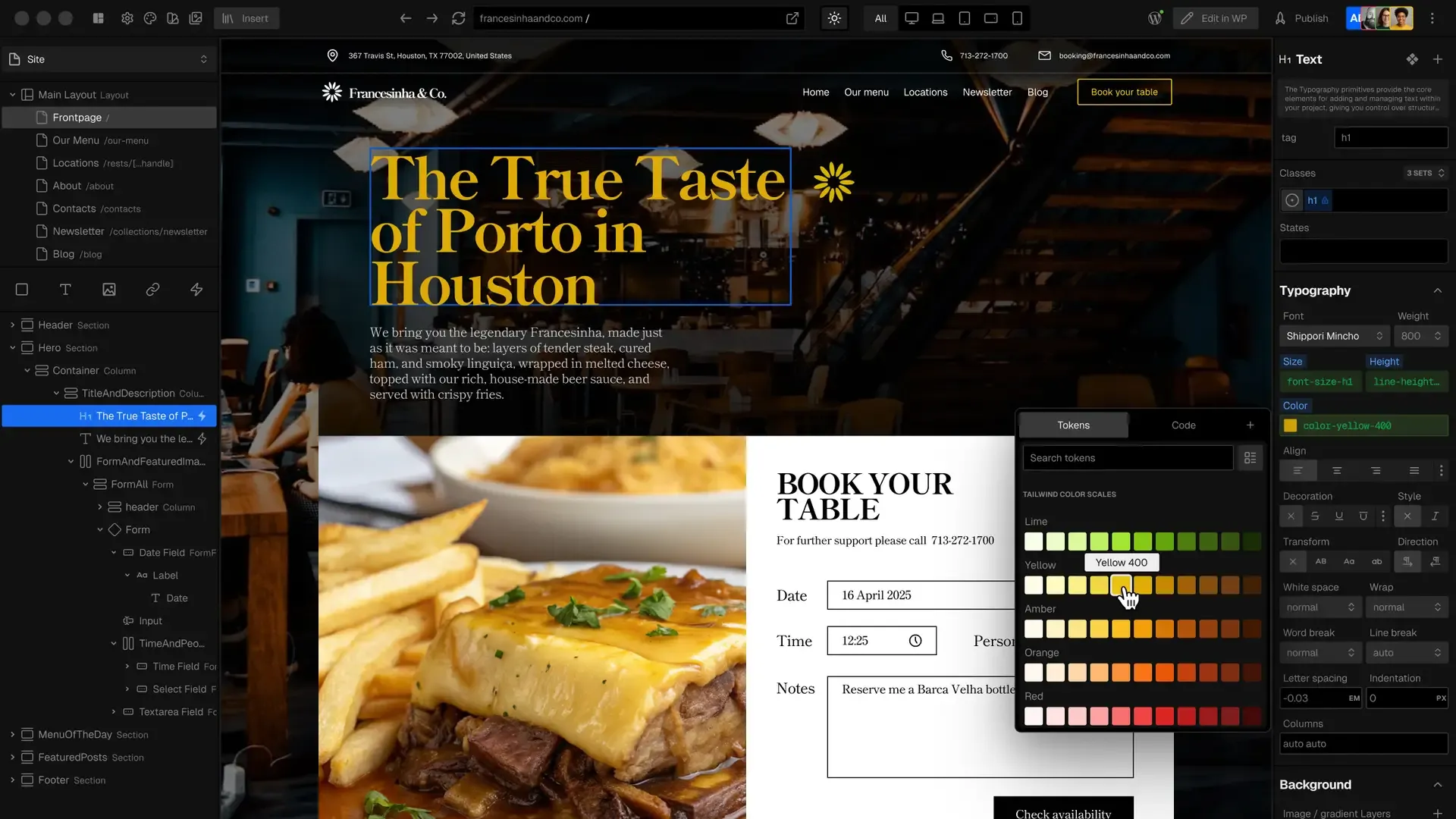
🚀 Why Go Headless? The Problem with Traditional WordPress
Traditional WordPress uses a monolithic architecture where the backend (content management) and frontend (display) are tightly coupled. This leads to:
⚠️ Performance bottlenecks - Your server generates HTML/CSS for every visitor
⚠️ Plugin overload - Need separate plugins for forms, caching, security, etc.
⚠️ Limited flexibility - Hard to integrate modern web services directly
⚠️ Scalability issues - Traffic spikes can crash your entire site
🔄 The Headless Solution
Headless WordPress decouples the backend from the frontend:
- Backend: Just WordPress as a content API (no theming/templating)
- Frontend: Clutch (or other frameworks) handles presentation
- Connection: REST API links them
Key Benefits
✔ Blazing fast performance (Edge hosting vs traditional CDNs)
✔ Reduced plugin dependence (Only need core content plugins)
✔ Future-proof architecture (Easily connect other services)
✔ Better security (Smaller backend attack surface)
🔌 How to Connect WordPress to Clutch
- Install Clutch Plugin
- Download from clutch.io
- Upload to WordPress plugins
- Connect Your Site
- In Clutch dashboard, enter WordPress URL
- Get green connection confirmation
- Map Content
- Select post types (pages/posts)
- Choose display paths (e.g.,
/for homepage)
- Bind Fields
- Use Clutch's visual builder to connect:
- Standard WP fields (title, content)
- ACF/Yoast/Metabox data
- Custom post meta
⚡ Real-World Performance Comparison
| Metric | Traditional WordPress | Headless (Clutch) |
|---|---|---|
| PageSpeed Score | 50-70 (with caching plugins) | 90+ (no plugins) |
| Hosting Cost | $10-$100/month (VPS) | $20/month (edge) |
| Global TTFB | 500ms-2s | <100ms |
| Maintenance | High (plugin updates) | Low (decoupled) |
Example: Clutch's own site scores 98/100 on PageSpeed with heavy media content.
🛠️ Advanced Features
- Multi-source content: Blend WordPress data with Google Sheets, APIs, etc.
- Edge hosting: Built-in global CDN (no Cloudflare needed)
- Visual editing: Non-devs can still manage content in WordPress
📈 Is Headless Right for You?
Choose headless if you need:
✅ Enterprise-grade performance
✅ Custom integrations (CRM, APIs, etc.)
✅ Reduced security vulnerabilities
Stick with traditional if:
❌ You rely on many page builder plugins
❌ Need ultra-simple hosting
❌ Have minimal traffic
Next Steps
- Get Clutch
- Watch our Google Sheets integration tutorial (coming soon)
- Join the composable web revolution!
#HeadlessWordPress #WebPerformance #ClutchBuilder #JAMstack


Sign in to join the conversation.
Sign in with Google