
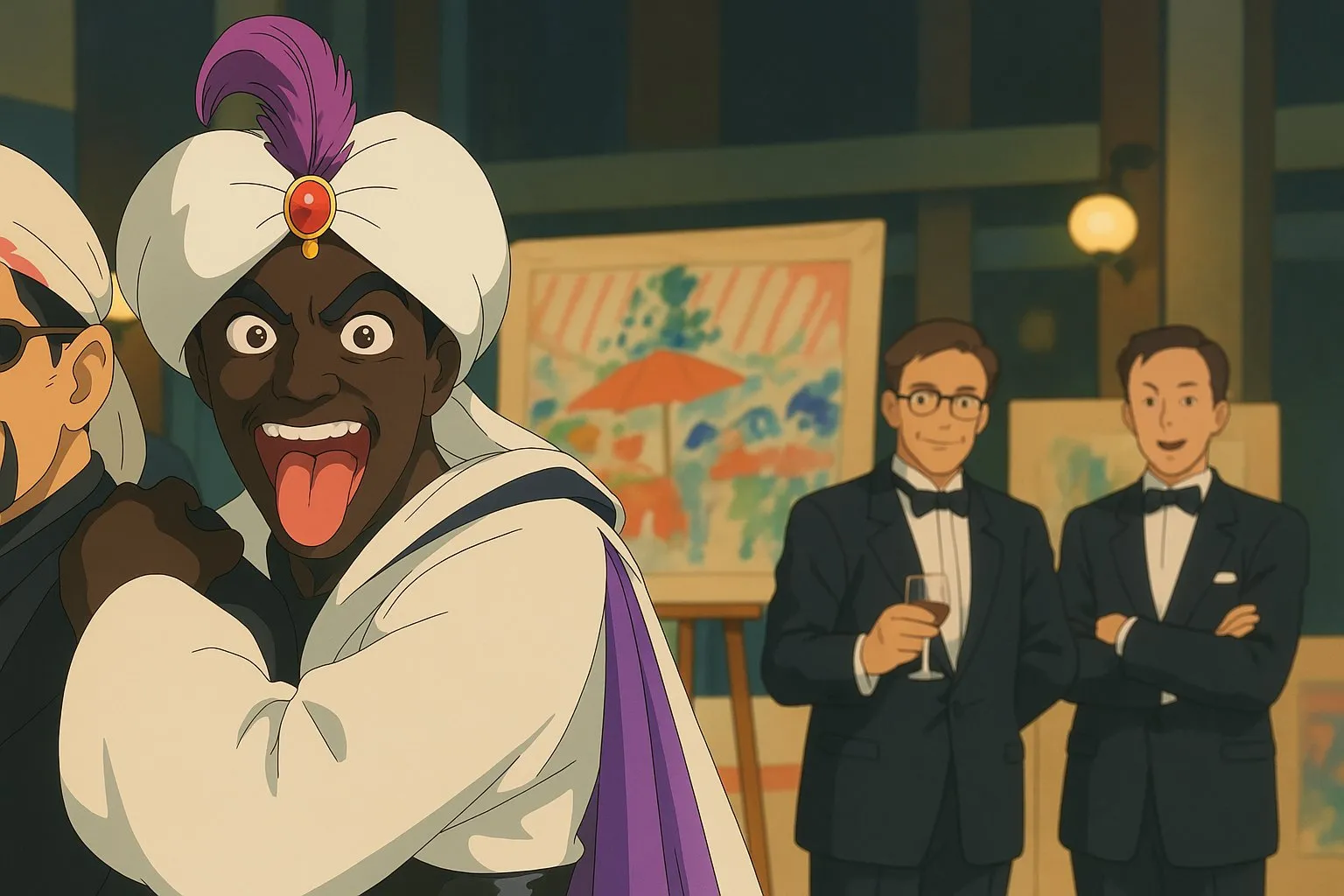
How to Create Studio Ghibli-Style Images Using ChatGPT Plus
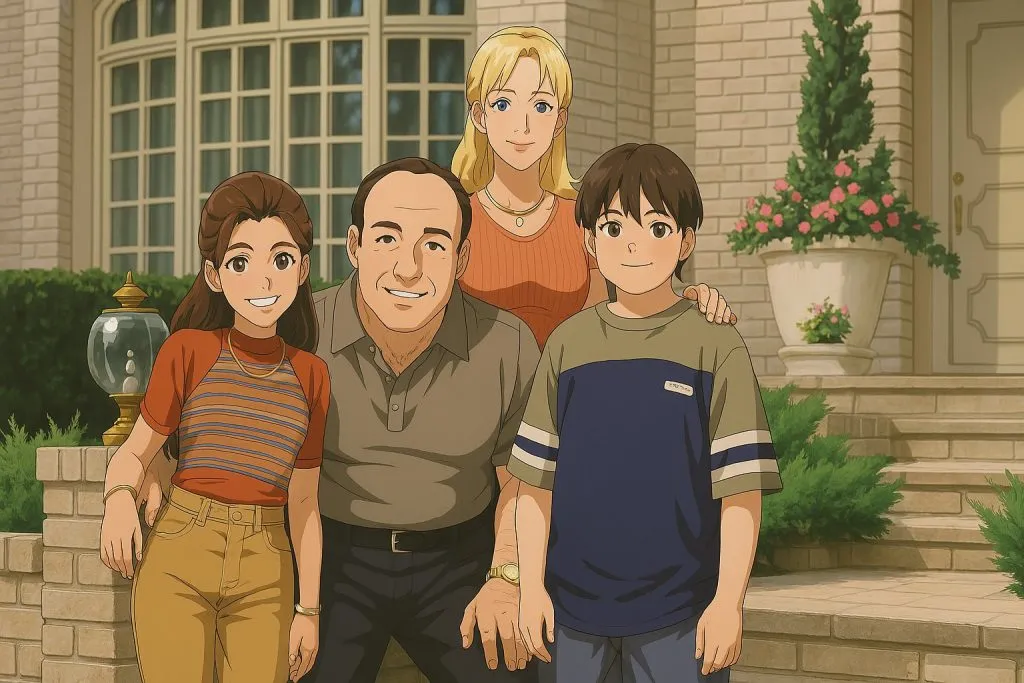
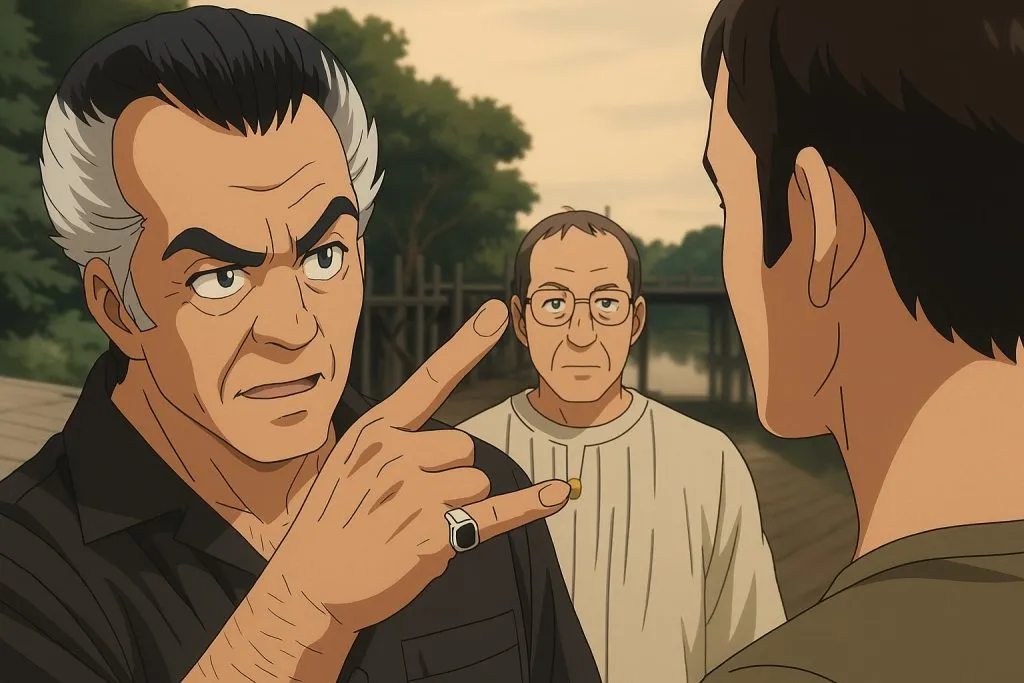
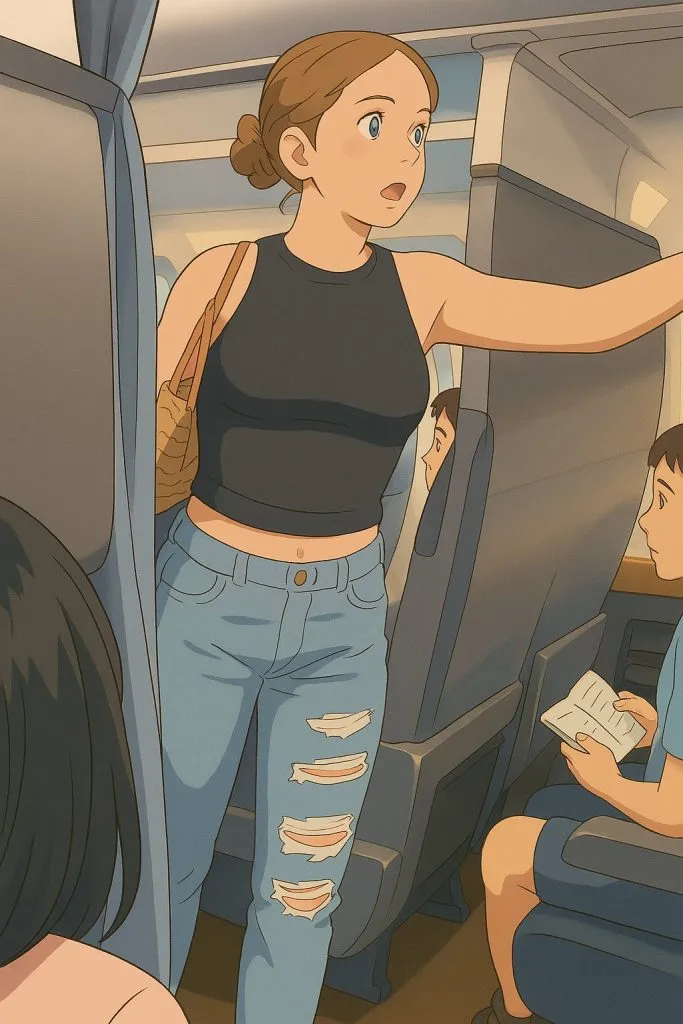
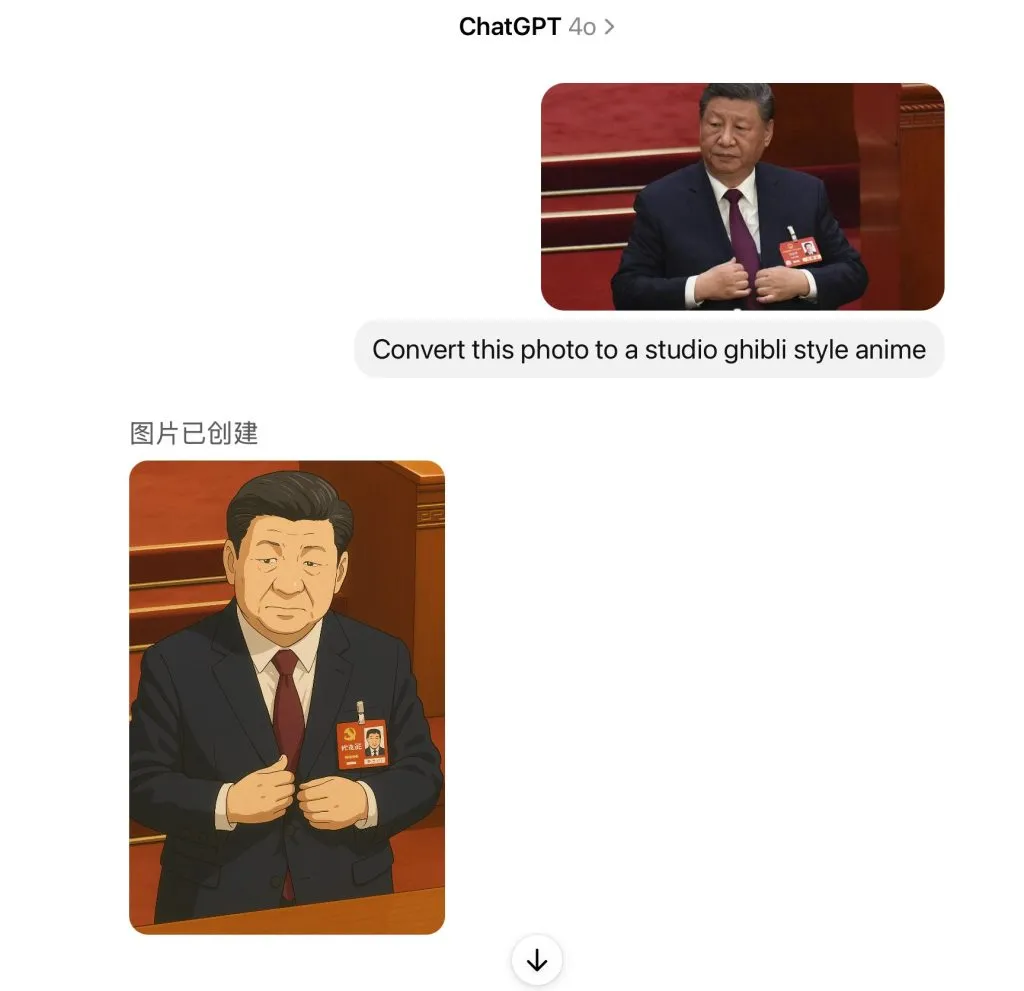
1. Access ChatGPT's Image Generation Feature
- Ensure you have a ChatGPT Plus, Pro, or Team subscription to access the image-generation capabilities.
2. Upload Your Photo
- Open ChatGPT and navigate to the interface.
- Click on the three dots in the prompt bar to open a drawer with options.
- Select 'Image' to upload your desired photo.
3. Apply the Studio Ghibli Style
- After uploading the photo, enter a prompt like "Convert this photo to Studio Ghibli-style anime."
- Submit the prompt and allow ChatGPT to process the image.
4. Review and Save the Artwork
- Once the image is generated, review the Studio Ghibli-styled version.
- Save the transformed image to your device.
Tips for Optimal Results
- Prompt Variations: Try different prompts for varied artistic effects, such as:
- "Make this into Ghibli-style anime."
- "Transform into Japanese comic style with high resolution and detailed artwork."
- Image Selection: Use high-quality, well-lit photos for better transformations.
Alternative Methods
If you don't have a ChatGPT Plus subscription, you can use other AI platforms:
- Midjourney – AI image generator for artistic visuals.
- Stable Diffusion & Getimg.ai – Platforms offering customizable options for anime-style images.
By following these steps, you can create beautiful Studio Ghibli-style images effortlessly! 😊
Sign in to join the conversation.
Sign in with Google