Skip to content
Sideurl Sideurl

Your Ultimate Source for Everything!

  • ๐Ÿ  Home
  • ๐Ÿ“ฐ World News
  • ๐ŸŒŽ Social Media
  • ๐ŸŽฎ Gaming
  • ๐Ÿ““ Tutorials & Guides
  • ๐Ÿ’ป Tech & Gadgets
  • ๐Ÿ“Š Business & Making Money
  • ๐Ÿ“บ Entertainment
    • ๐Ÿคฌ Parent Guide

vegas pro.

How To Fix Vegas Pro Stuck on “Creating video plug-in factory
Posted in๐Ÿ““ Tutorials & Guides

How To Fix Vegas Pro Stuck on “Creating video plug-in factory

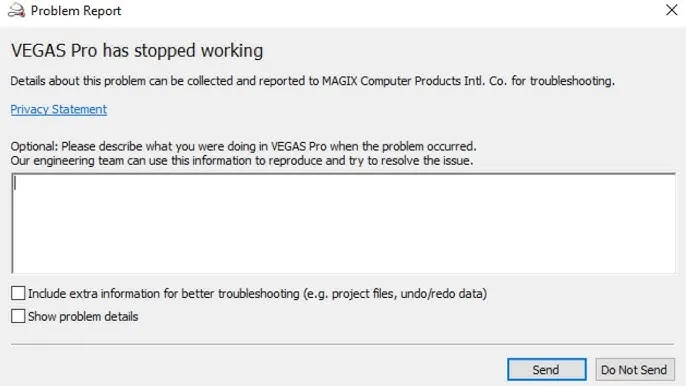
If Sony Vegas Pro 21 crashes on startup, it may be due to problematic OFX plugins. To fix this, locate the OFX plugins folder, rename it to prevent loading, and restart your computer. This should allow the software to launch successfully. You can identify problematic plugins by restoring and testing them individually.
Posted by TeamSideurl March 17, 2025
Log in

Recent Posts

  • Hianime, A Major Anime Piracy Site Goes Offline Suddenly
  • Highguard Shutting Down Just Six Weeks After Launch
  • Santa Monica Studioโ€™s Next Game Rumored to Shift Focus from Kratos
  • President Donald Trump Declares End to Trade with Spain
  • Crimson Desert Builds Massive Hype Before 2026 Launch
About
  • Privacy Policy
  • Contact Us
  • Guest Post
Copyright 2026 โ€” Sideurl. All rights reserved.
Scroll to Top