
Before posting a YouTube video, there are several important steps you should take to maximize engagement and ensure everything runs smoothly. Here’s what you need to do:
- Set Up an End Screen
End screens help keep viewers engaged by directing them to more of your content, playlists, or encouraging subscriptions. Make sure to add relevant links and calls to action in the last 5–20 seconds of your video. - Guide YouTube to the Right Audience
Use proper tags, titles, descriptions, and categories to help YouTube understand who should see your video. Enabling subtitles, adding relevant keywords, and selecting the right audience settings (e.g., "Made for Kids" or not) will improve your video’s discoverability. - Test Your Video on Different Devices
Watch your video on multiple devices (desktop, mobile, and tablets) to ensure the quality is consistent. Check for any formatting issues, audio problems, or on-screen text that might be too small to read on smaller screens. - Pinned Comments
Pinning a comment at the top of your video’s comment section allows you to highlight important information, such as links, timestamps, or a call to action. This can encourage more interaction and direct viewers to key parts of your content. - Prepare Backup Titles & Thumbnails
If your video isn't performing well after a few hours or days, having alternative titles and thumbnails ready can help you make quick adjustments to improve click-through rates. - Getting Feedback
Before uploading, get feedback from friends, colleagues, or a private test audience. They can help you catch mistakes, suggest improvements, and provide an outside perspective on whether the video is engaging. - Choose the Best Time to Upload
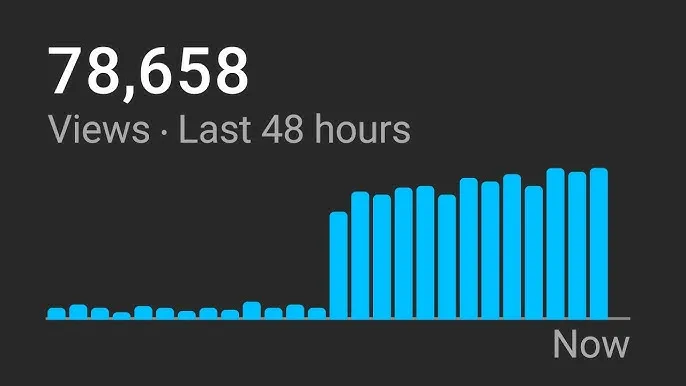
Timing can impact how well your video performs. Analyze your audience insights (YouTube Analytics) to determine when your viewers are most active, and schedule your upload accordingly to maximize initial engagement.
Following these steps will give your video the best chance of reaching the right audience and performing well.

Sign in to join the conversation.
Sign in with Google