
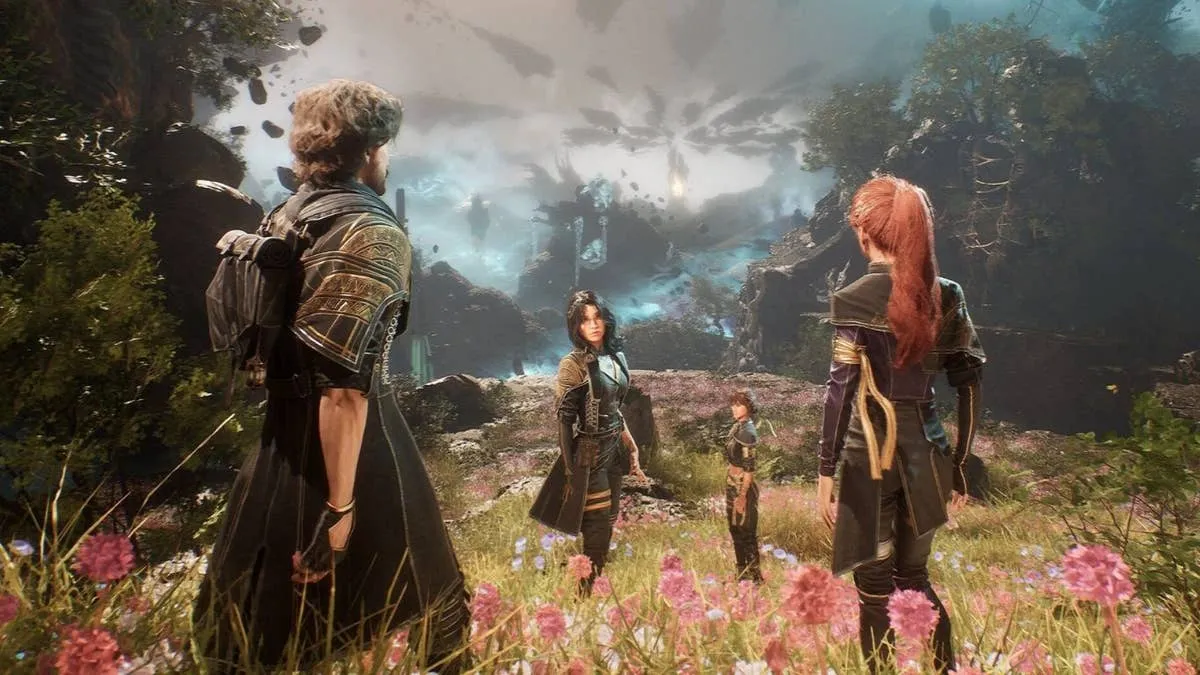
Kepler Interactive just dropped Clair Obscur: Expedition 33 on PC, running on Unreal Engine 5 – but players quickly discovered that all in-game cutscenes are bizarrely capped at 30 frames per second, even on high-end setups. 🤨
🛠️ Modders to the Rescue
Thankfully, the PC modding community didn't waste time. Within hours of launch, a simple mod was released that removes the 30 FPS lock from cutscenes. It’s easy to install, too. Just extract the files into the main game directory, and you're good to go. The difference in visual fluidity is noticeable and a total must have for a better experience.
Installing the mod is extremely simple; download the files and unzip the contents into the game folder.
🖥️ Performance & Visual Quirks
The game generally performs well on a range of hardware, but there’s some weirdness with image quality. Many users report a slightly low-res look with an aggressive sharpening filter, making textures appear less natural.
❌ DLAA Problems – Stick With DLSS
Even more frustrating: Clair Obscur: Expedition 33 struggles with DLAA (Deep Learning Anti-Aliasing). Side-by-side comparisons show blurry, plastic-like faces and hands, especially in close-up scenes. On the other hand, DLSS in Quality mode delivers a much clearer, more detailed picture.
Until Kepler releases a patch:
- ✅ NVIDIA users should stick with DLSS Quality
- ⚠️ Avoid DLAA
- ❌ No AMD FSR support means AMD GPU owners will need to rely on Intel XeSS
While the game’s storytelling and gameplay might shine, its technical hiccups on PC remind us just how important post-launch support and community mods really are.
Sign in to join the conversation.
Sign in with Google